
New: Save drills to your Favourites folder
- January 30, 2014
- John Nurse
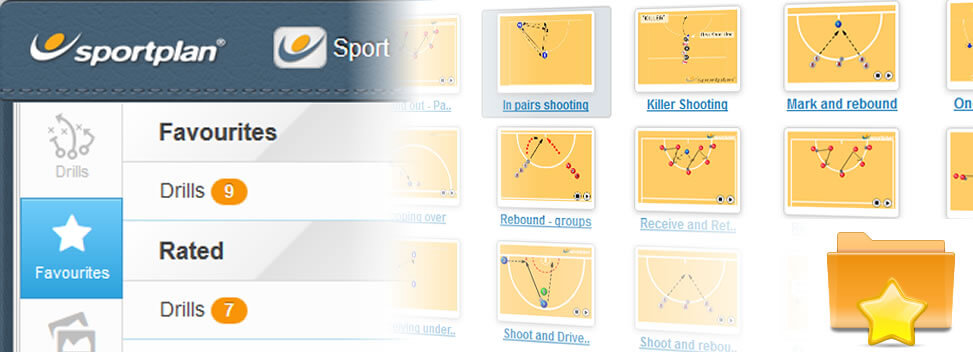
If you've found a drill you love you can now quickly and easily add it to your Favourites for safe-keeping.
Clicking "Add to Favourites" saves a drill to your personal list of Favourites, which you can access again at any time by clicking the "Favourites" icon on the left of your screen - a great way to bookmark your personal favourites.
That's not all
You can also help other coaches and improve drills by giving them a rating. After giving a drill a star rating between 1 (poor) to 5 stars (excellent) you'll be asked to write a short comment (a bit like a product review) - this means you can share your tips and advice with other coaches.

How to do it
You can rate or add any drill on Sportplan to your favourites. To do this open the practice and click the Star button which is beside the "Add to clipboard" button and follow the on screen options (see animation below).
