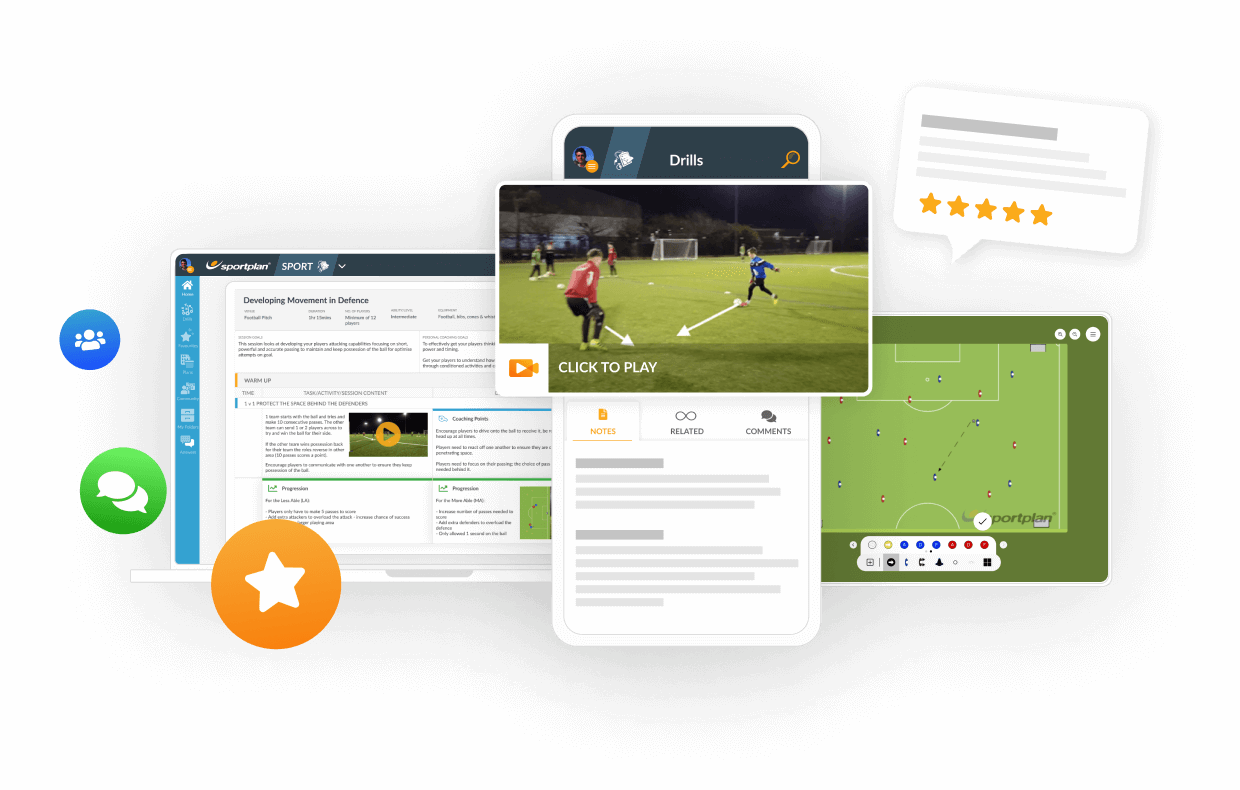
TRANSFORM YOUR TEAM'S SEASON WITH PROFESSIONALLY PLANNED SESSIONS
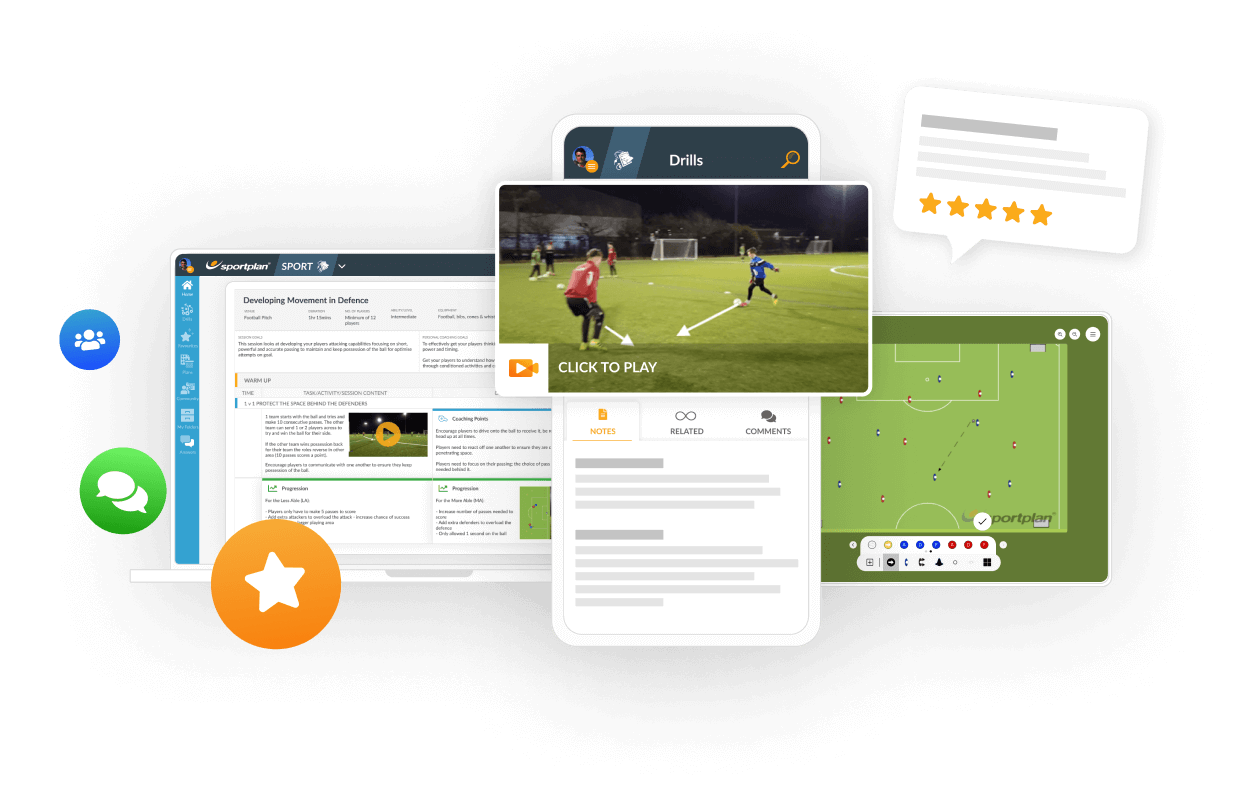
Use our expert plans or build your own using our library of over 700+ drills, and easy-to-use tools.
JOIN NOWHow can I add plans to my favourites or to the folders I have created in the folders section?


Dear Christopher,
For plans that you created yourself, you can drag and drop plans and other resources into the folders that you choose. For plans in the Plan Archive, click into the plan that you bought and click Edit then Copy. This creates a copy in your Folders. Go into your Folders and then drag and drop into your chosen folder. Your own plans can`t appear in Favourites, but a plan from the Archive can if you rate the session.
Hope this helps.
in more ways than one
 sportplan_football



Deliberate heading is now out of U11 grassroots matches. Here is how to coach chest, thigh and foot control so your players still win the ball in the air.

Long-range goals doubled at the 2026 World Cup as teams sat deep. Here is how to coach when to shoot from distance, the technique, and the follow-up.

Under FutureFit, your Under-9s stay at 5v5, your Under-11s stay at 7v7 and your Under-13s stay at 9v9. Same pitch, same numbers, one more year. Here is how to make sure that year feels like a step forward rather than a repeat.
Use our expert plans or build your own using our library of over 700+ drills, and easy-to-use tools.
JOIN NOW