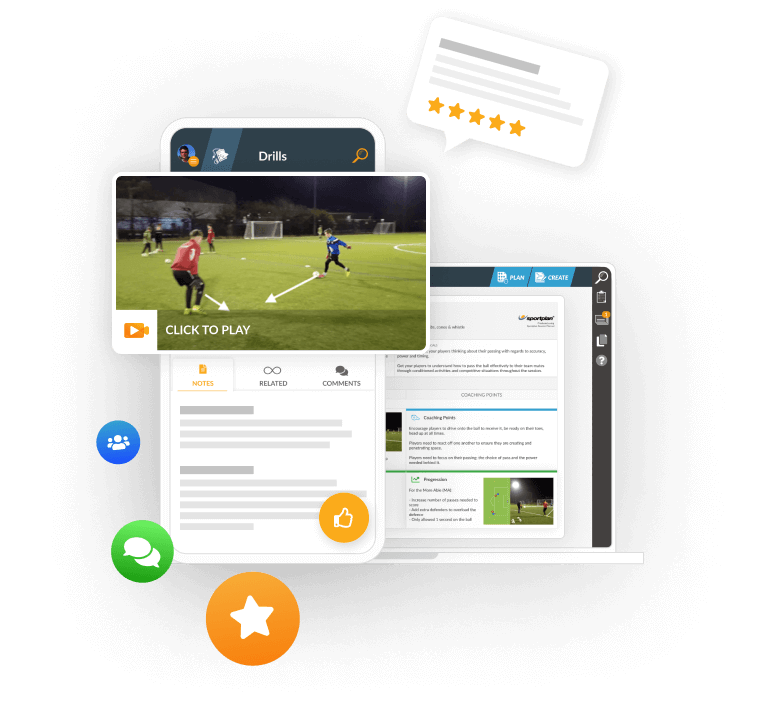
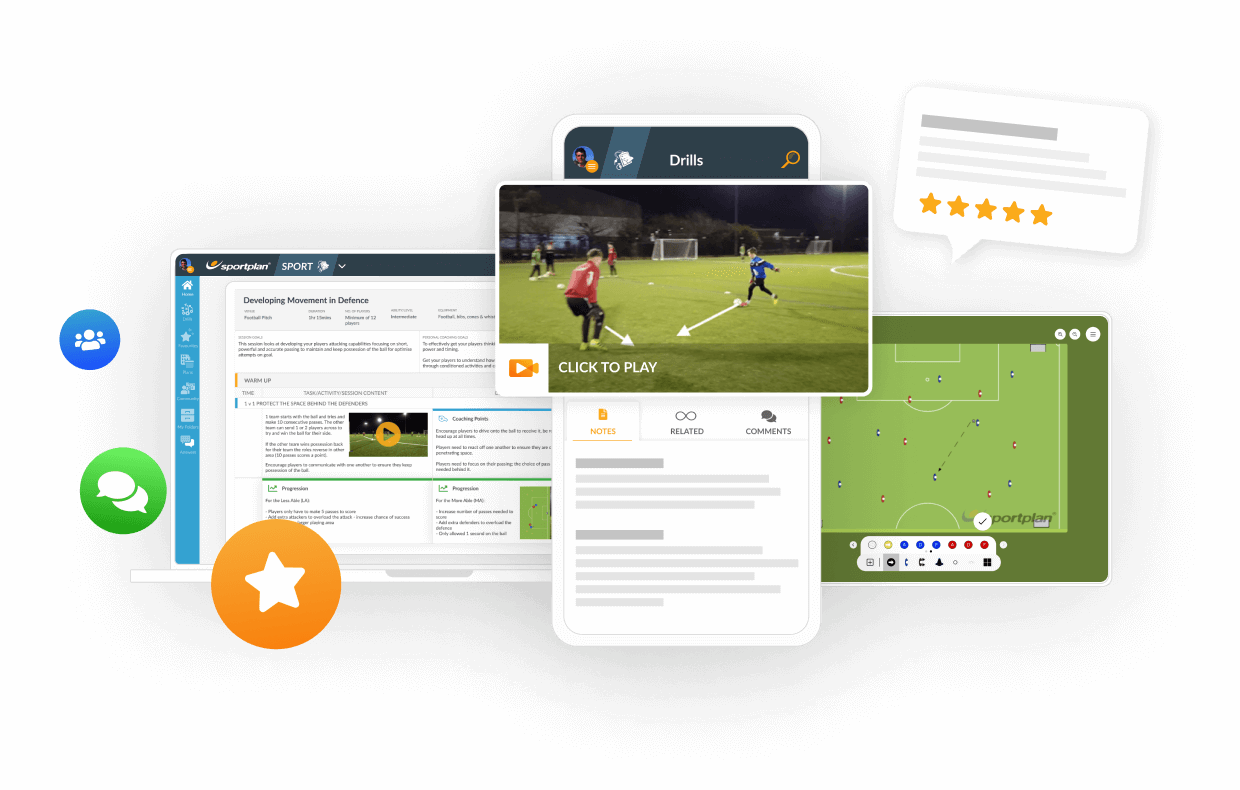
TRANSFORM YOUR TEAM'S SEASON WITH PROFESSIONALLY PLANNED SESSIONS
Use our expert plans or build your own using our library of over 700+ drills, and easy-to-use tools.
JOIN NOWHello! Is a way to modify the measures of the diagrams? I need it to ajust al session in only one A4 sheet. Thanks!


Hi Leonardo,
You can modify text and image size in sessions, and the text below is taken from our FAQs page.
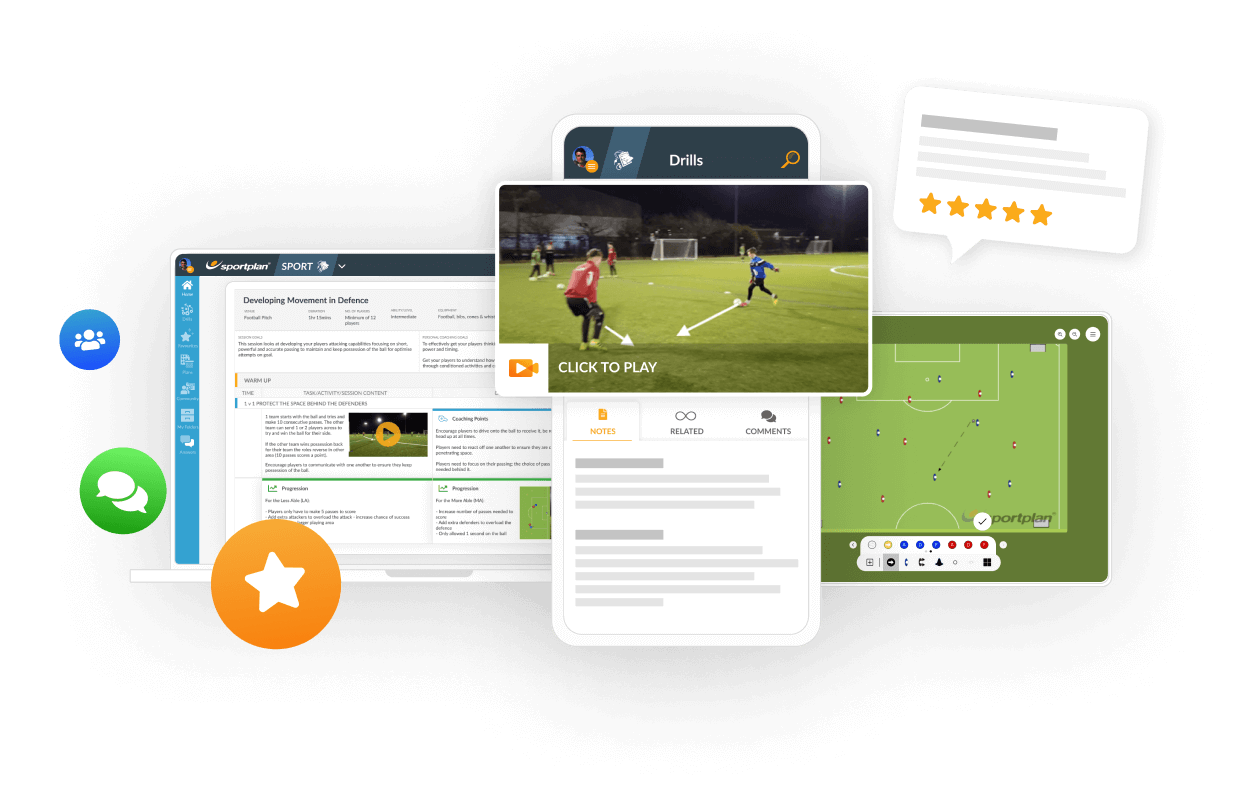
On the image that you would like to change the size of, click the blue Edit Diagram button which can be found underneath the image.
This will bring a pop-up box from which you are given a number of options. To change the size of the diagram, simply select the drop down box above the image which will be displaying a percentage.
To increase the size of the image, select a higher percentage, and to decrease, select a lower percentage.
Click apply, and you will be returned to the session planner with your image now the size you want it to be.
Hope this helps! If you're ever stuck again, you can always find answers to most questions on our Frequently Asked Questions page here: http://www.sportplan.com/drills/faq/index.jsp
in more ways than one
 sportplan_football


Deliberate heading is now out of U11 grassroots matches. Here is how to coach chest, thigh and foot control so your players still win the ball in the air.
Long-range goals doubled at the 2026 World Cup as teams sat deep. Here is how to coach when to shoot from distance, the technique, and the follow-up.

Under FutureFit, your Under-9s stay at 5v5, your Under-11s stay at 7v7 and your Under-13s stay at 9v9. Same pitch, same numbers, one more year. Here is how to make sure that year feels like a step forward rather than a repeat.
Use our expert plans or build your own using our library of over 700+ drills, and easy-to-use tools.
JOIN NOW