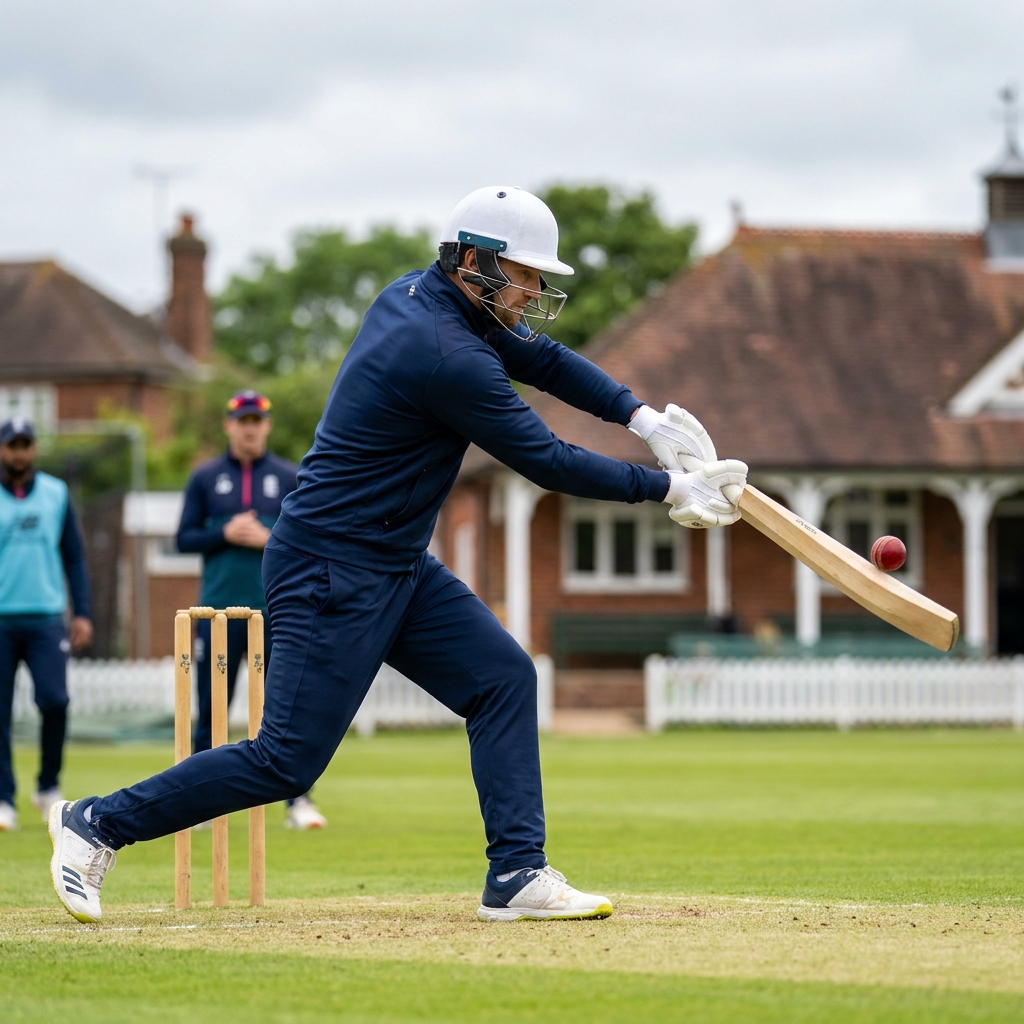



There is a particular kind of club defeat that happens every August. Your side bowls well, restricts the opposition to something gettable, and then loses by fifteen runs having been ahead of the rate for thirty overs. Nobody did anything obviously wrong. The chase just got away.
Chasing is a genuinely different skill from batting first, and it is barely coached at club level. Batting first is about maximising; chasing is about managing a known target against a moving clock, and the mental demands are entirely different.
Why Chases Are Lost
The most common cause is a misread of the required rate. Batters look at the runs needed and panic at a number that is perfectly manageable, or they coast on a comfortable rate and forget that wickets in hand are the real currency.
The second cause is dot balls in clusters. Three or four consecutive dots does not change the required rate dramatically, but it changes the batters' state of mind, and the shot that follows is usually the one that gets them out.
The third is that nobody has a plan for the middle overs. Club sides often have a plan for the powerplay and a plan for the death, and eighteen overs of vagueness in between where chases quietly slip away.
Breaking the Target Into Blocks
The single most useful thing you can teach is to stop thinking about the total. Divide the innings into blocks of five overs and give each block a target. Suddenly a chase of 180 is not an intimidating number; it is a series of small, achievable jobs.
Within each block, the pair at the crease has a simple contract: reach the block target without losing more than one wicket. That reframes the whole innings around partnership rather than individual scores, which is exactly the mindset a good chase requires.
It also gives you a clear point to reassess. At the end of each block the batters check in, adjust, and continue. No panic, no heroics, just a recalculation every five overs.
The Framework
Step One: Set the block targets before the innings starts, not at the crease. Every batter in the changing room should know what over ten and over twenty are supposed to look like.
Step Two: Protect wickets early. Almost every successful chase is built on having batters in hand at over thirty. Being marginally behind the rate with wickets is far better than being ahead of it with four down.
Step Three: Kill the dot ball. Rotating strike is the most reliable pressure valve in cricket. Use of feet to spin, working the ball into gaps and running hard between the wickets does more for a chase than boundary hitting.
Step Four: Identify the bowler to attack. Every attack has a weak link. Decide who it is early and target their overs deliberately rather than trying to score off everyone.
Step Five: Rehearse the finish. Practise the last five overs as a scenario, with a specific target and real fielders, so the pressure is familiar when it arrives.
Training the Scenario
Scenario batting is the most under-used tool in club coaching. Set a target, set the overs, put fielders out and play it properly. Twenty minutes of that teaches more about chasing than an hour of throwdowns.
Vary the scenario so players experience being ahead, level and behind. Batters who have only ever practised comfortable chases fall apart the first time they are genuinely under the pump.
Key Coaching Points
- Break the target into five-over blocks with their own mini-targets, and stop thinking about the total.
- Wickets in hand matter more than being marginally ahead of the required rate.
- Dot balls in clusters cause dismissals; rotating strike is the primary pressure valve.
- Identify the weakest bowler early and target their overs deliberately.
- Give each partnership a simple contract for its block, so the innings is built on pairs.
- Practise chases as full scenarios with fielders and a clock, including ones you are losing.
Recommended Drills




Frequently Asked Questions
Should we always keep wickets in hand, even if we fall behind?
Within reason, yes. A side with six wickets in hand needing nine an over has a genuine chance; a side with two wickets needing six an over usually does not. The exception is a chase where the required rate becomes unreachable, at which point wickets stop having value.
How do I stop my batters panicking at the required rate?
Take the number away from them. If the plan is expressed in five-over blocks, batters focus on the next thirty balls rather than the scoreboard. Most panic comes from looking at a total rather than at the immediate job.
Is it worth practising chases in junior cricket?
Very much so, and arguably more than with seniors. Young players learn game awareness through scenarios far faster than through explanation, and a colts side that has practised chasing will understand run rates and partnerships far earlier than one that only ever nets.