Ask a club player what their serve is for and most will say aces. Watch a match and count how many points actually end on the serve, and the answer at almost every level below professional is very few. What the serve actually does is create a weak reply, and the point is won or lost on what happens next.
Serve plus one is simply the discipline of planning the serve and the following shot together as a single unit. It is the most reliable pattern in tennis, and it is almost entirely absent from club practice, where serving is usually done as an isolated basket drill.
Why the Serve Alone Is Not Enough
A serve that is hit hard but without a target produces an unpredictable reply, which means the server cannot prepare for anything. That is why so many club players hit a big first serve and then get caught flat-footed by a routine return.
A serve hit to a specific location does the opposite. It narrows the range of possible returns to something you can anticipate, which means you are moving into position before the ball is struck rather than reacting after it.
The Core Patterns
There are two patterns worth owning before anything else. From the deuce court, a wide serve pulls the returner off the court and opens the space down the line for the next shot. From the advantage court, a serve into the body or down the T jams the returner and gives you a short reply into the open court.
Both work on the same logic: the serve moves the opponent, and the second shot goes into the space the serve created. The player is not hitting a winner from nowhere; they are finishing a point the serve already set up.
Depth matters as much as direction. A wide serve that lands short lets the returner step in and take the initiative, and the whole pattern collapses. Depth is what buys the time for the second shot.
Building the Pattern
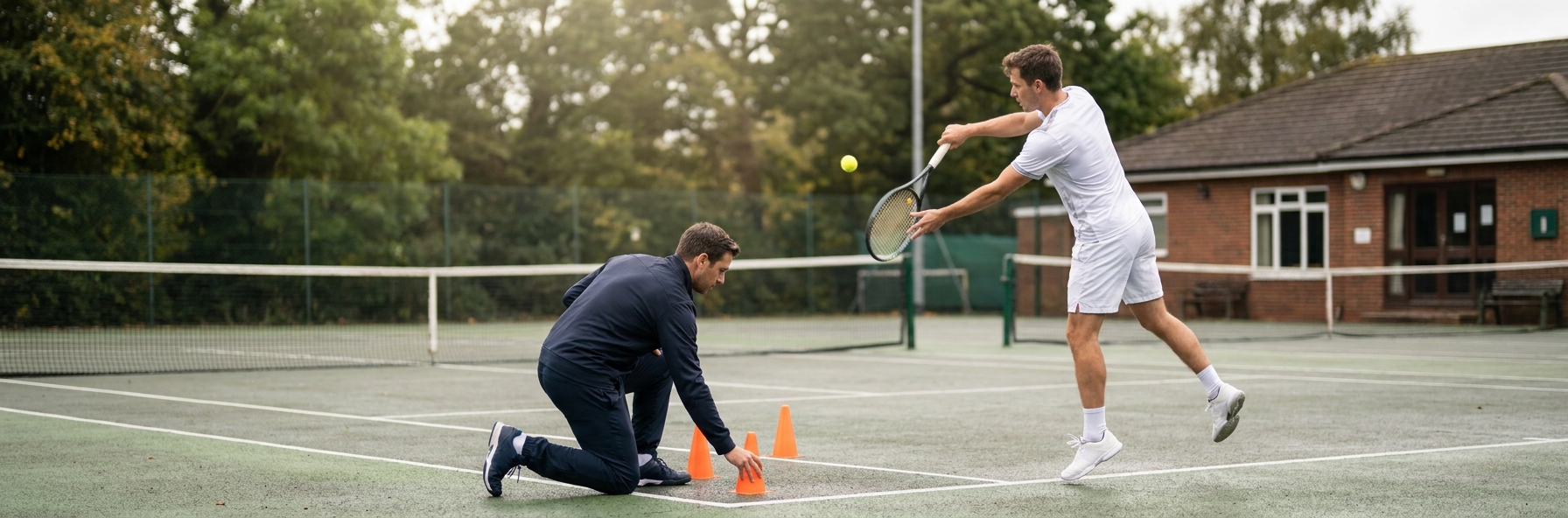
Step One: Serve to targets, always. Put cones or markers in the service box and make every practice serve have an intended location. A serve without a target is just exercise.
Step Two: Never practise the serve alone. Every serve in practice should be followed by a live second shot, even if it is fed by the coach.
Step Three: Recover to the right place. Where you stand after serving depends on where you served. Wide serves require a different recovery position from body serves, and most players recover to the middle out of habit.
Step Four: Own two patterns per side before adding more. Depth of execution beats breadth of options every time.
Step Five: Play points from the serve. Practice sets where every point is played out from a serve, with the server naming their intended pattern beforehand.
The Second Serve Problem
Most club players have a first serve plan and a second serve prayer. That is a mistake, because more points are played from second serves than most people realise, and the returner is expecting to attack.
The answer is not a bigger second serve; it is a second serve with a location and a plan attached. A high, kicking serve to the backhand with the server prepared to take the next ball early is far more effective than a flat second serve hit with hope.
Key Coaching Points
- The serve creates a weak reply; the point is usually won on the shot after it.
- Serving to a target narrows the range of returns and lets you anticipate.
- Depth buys the time for the second shot; a short wide serve invites attack.
- Recovery position depends on where you served, not on a default centre mark.
- Own two patterns per side properly before adding any more.
- Give the second serve a location and a plan, not just a reduced first serve.
Recommended Drills
 Target Serve Central Line
 Depth of Serve
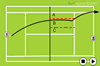 Progression With Server and Returner
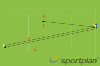 Deuce Wide and Forehand Down Line Progression
Frequently Asked Questions
Is serve plus one relevant for beginners?
Yes, in a simplified form. Even a beginner benefits from serving to one side rather than anywhere, and from knowing that the next ball is likely to come back to a particular place. The pattern scales down easily.
What if my second shot is not strong enough to finish points?
Then the goal of the second shot is not to finish but to take the initiative. Hitting into the open space and moving forward puts you in control of the point even if it takes three more shots to win it.
How do I practise this without a hitting partner?
Serve to targets, then have a coach or a basket feed the likely return so you play the second shot. It is not identical to a live return, but it builds the recovery movement and the shot selection, which are the parts most players lack.