Favourites tab - How do i add to it?
How do I save a weekly session to my favourites please? Today is my first day here and I'd like to be able to retrieve this weeks session after school holidays when our training starts back.


Hi Sue-Ann,
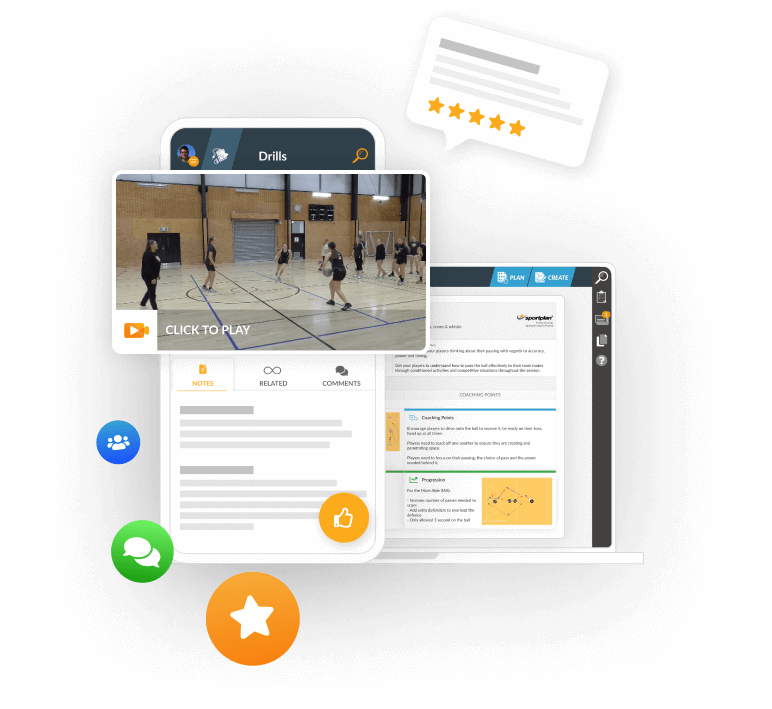
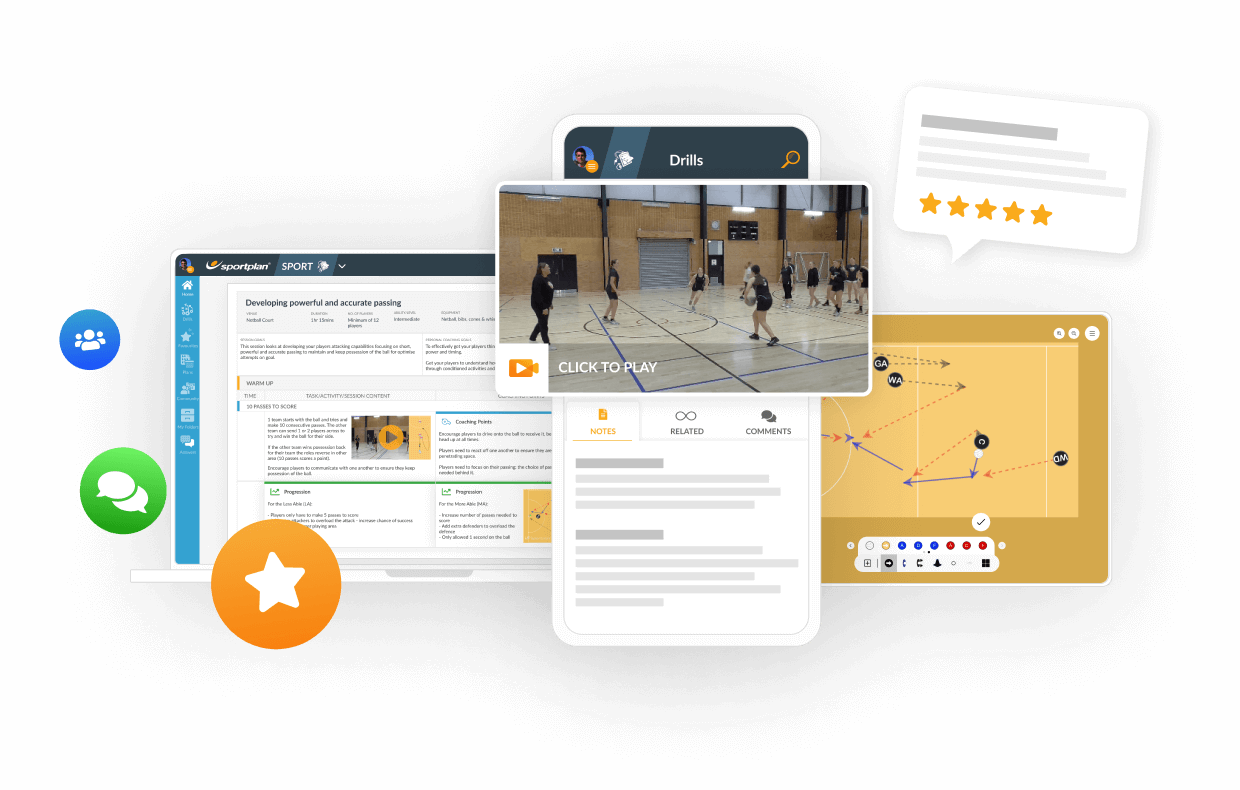
To add the session to your favourites, you can rate the session with how ever many stars out of 5, which is located underneath the image of the session. This will then appear in your favourites!
Alternatively, you can save the Session of the Week to your folders. To do this, open the link for the session in your email, then click on edit in the top right hand corner when the session opens in Sportplan. Then select copy and the page will now refresh, with the title now saying 'Copy of' along with the original title of the session - you'll then be able to edit and view the session in your folders!
Hope that helps,
The Sportplan Team
 sportplan_netball