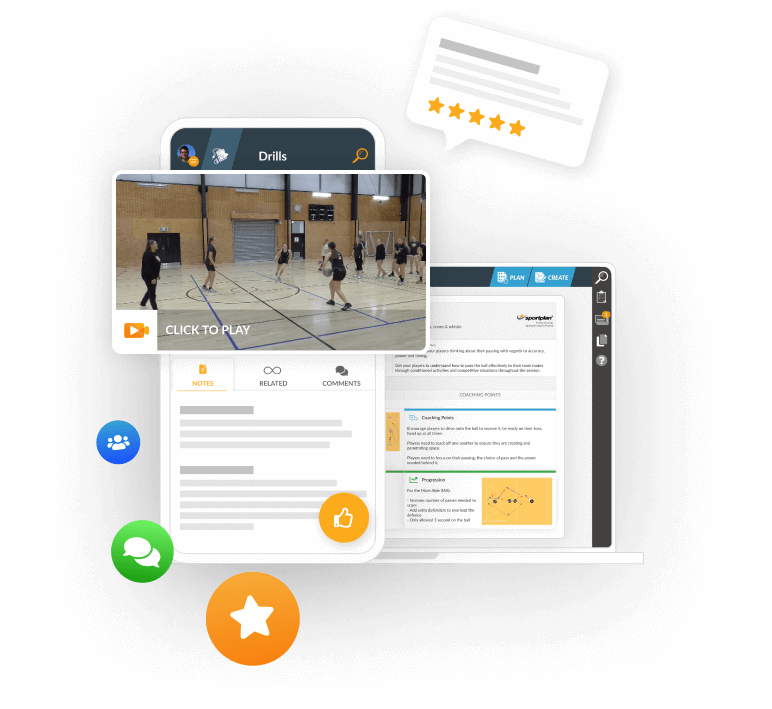
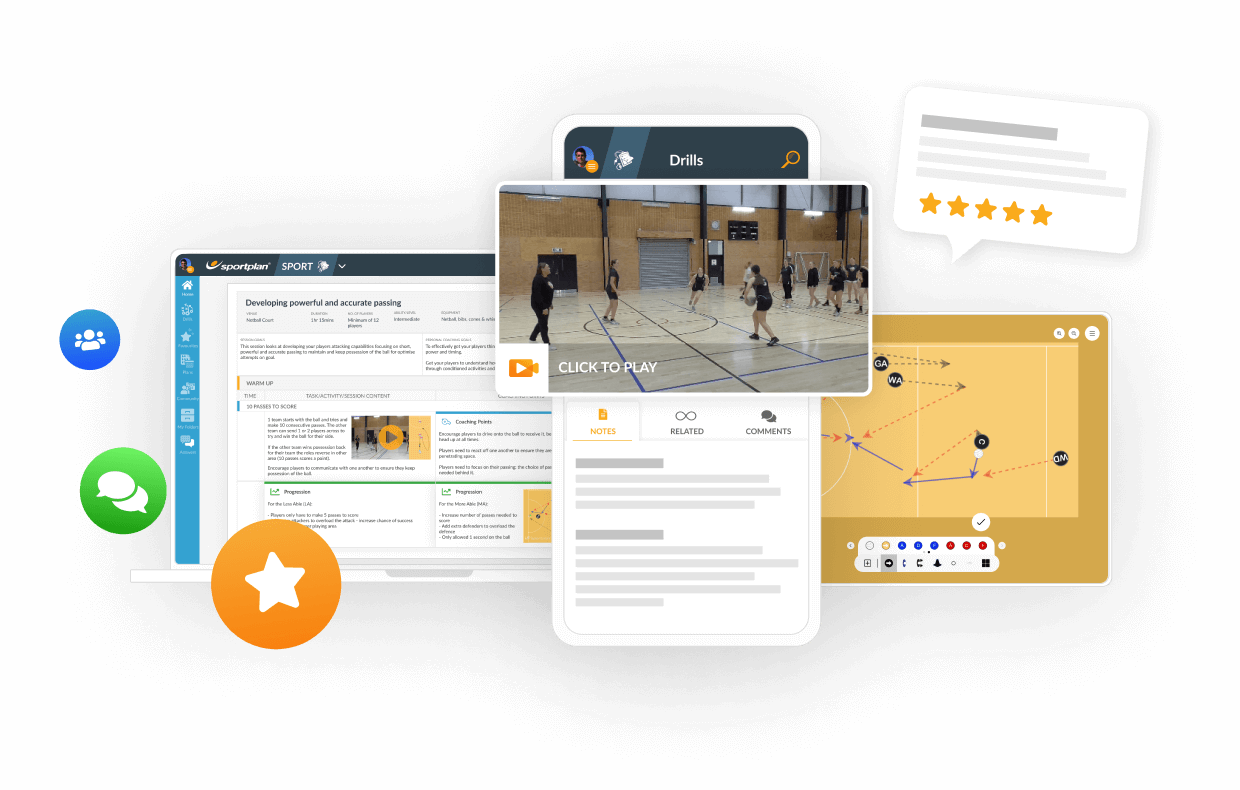
TRANSFORM YOUR TEAM'S SEASON WITH PROFESSIONALLY PLANNED SESSIONS
Use our expert plans or build your own using our library of over 700+ drills, and easy-to-use tools.
JOIN NOWI created a plan and looks great until I go to print and there is a blank page after every text filled page.. How do I get rid of this please
Asked using Sportplan on Mobile


Hi Jenny,
Sometimes this happens as there is not quite enough room to fit the plan all on the same page!
What I would suggest would be before you print, when you get the options and preview of your printed sheets, under `Pages` do not select `All`. Instead just select the ones that have your text filled pages, for example you can input `1, 3, 5` pages and it will only print these.
I hope this helps!
Thank you so much. ð
Answered using Sportplan on Mobile
in more ways than one
 sportplan_netball

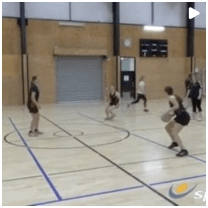
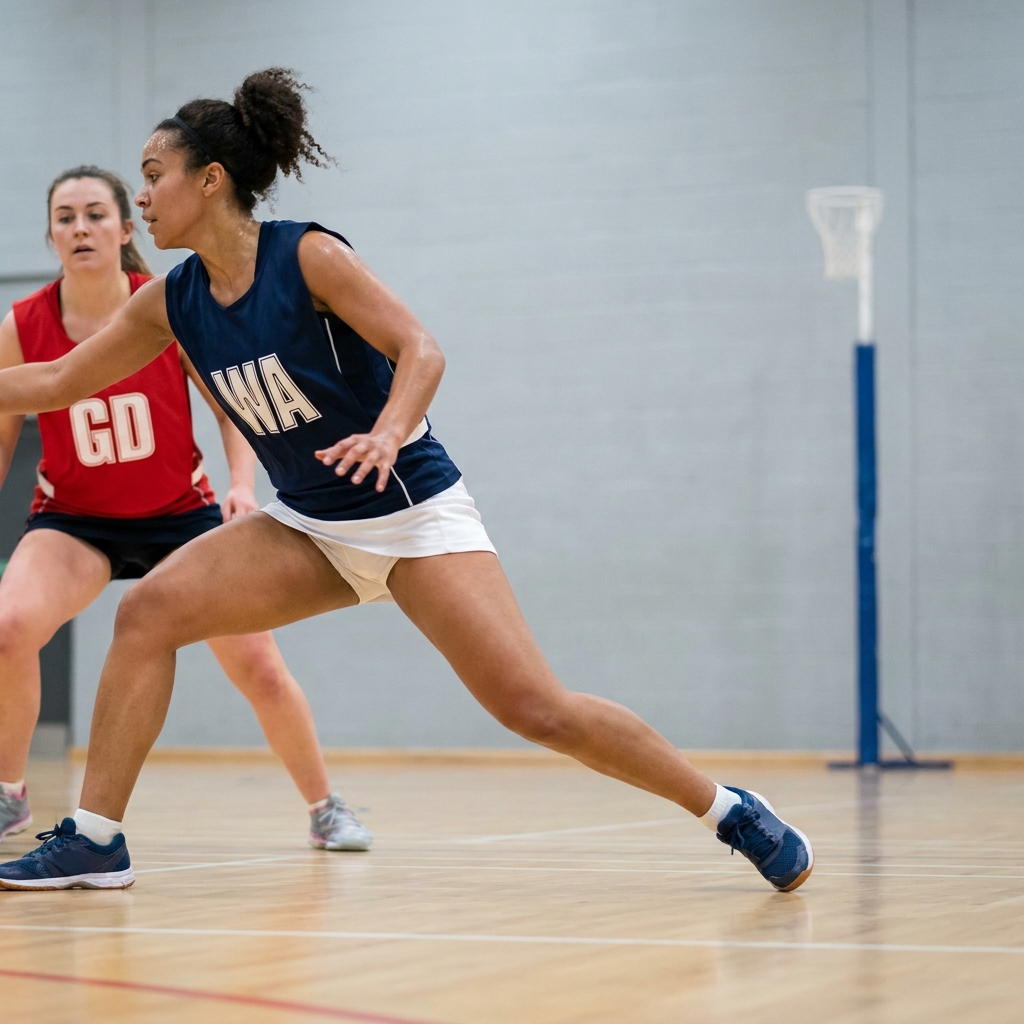
Tight markers win when attackers run in straight lines. Teach your players to dodge, change pace and time their drive so they get free when the ball is ready.
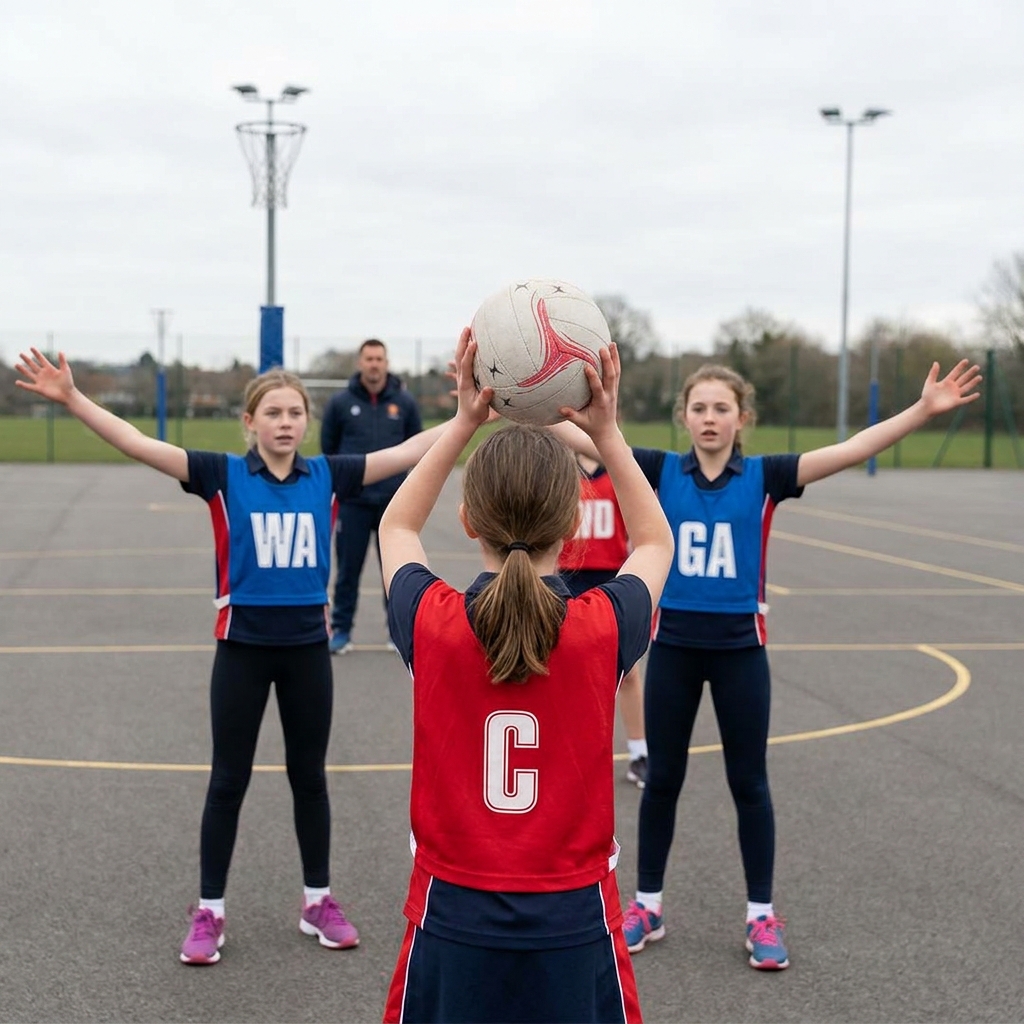
When everyone chases the ball, nobody is free. Teach your team to spread out, offer two options and clear space so the ball moves cleanly down court.
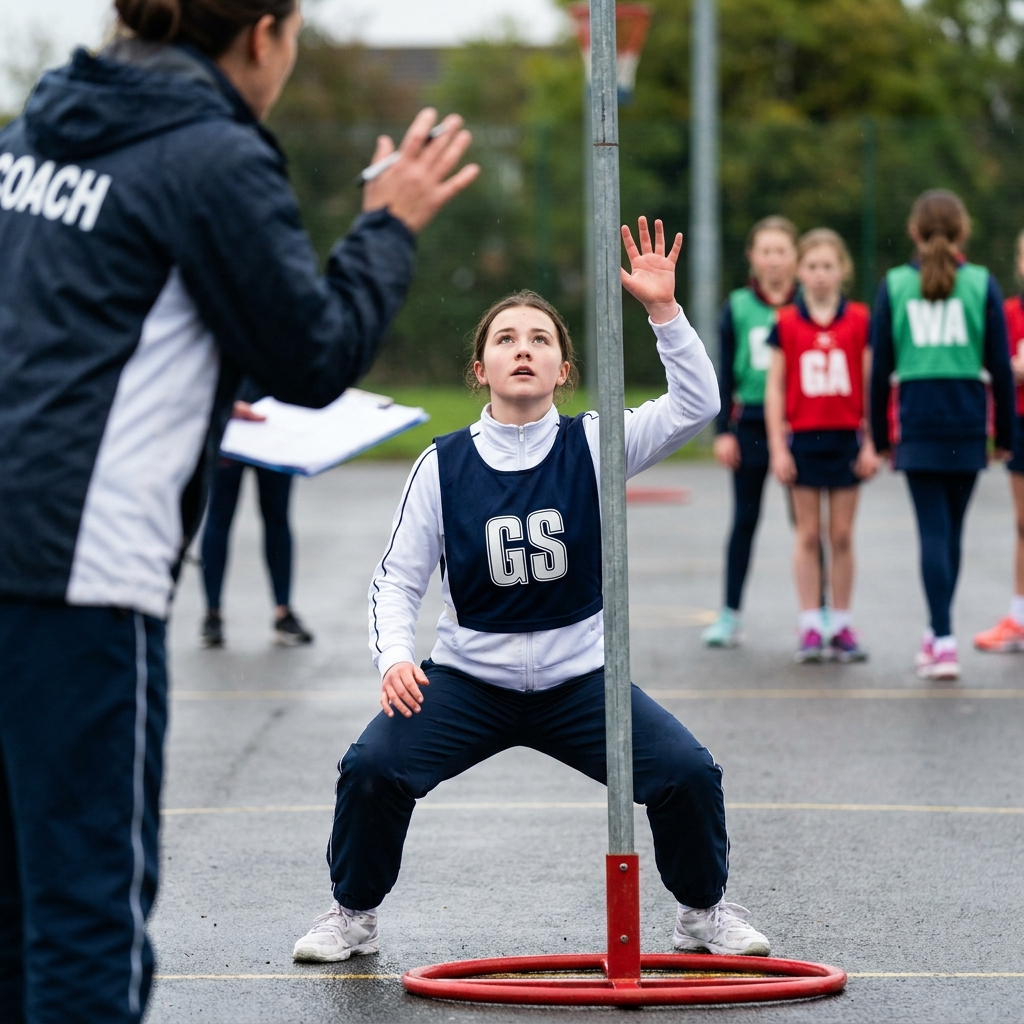
A shooter who can hold a strong position under the post is worth more than one who runs all over the circle. Here is how to coach body shape, a legal hold and a well-timed release, and how feeders make the most of it.
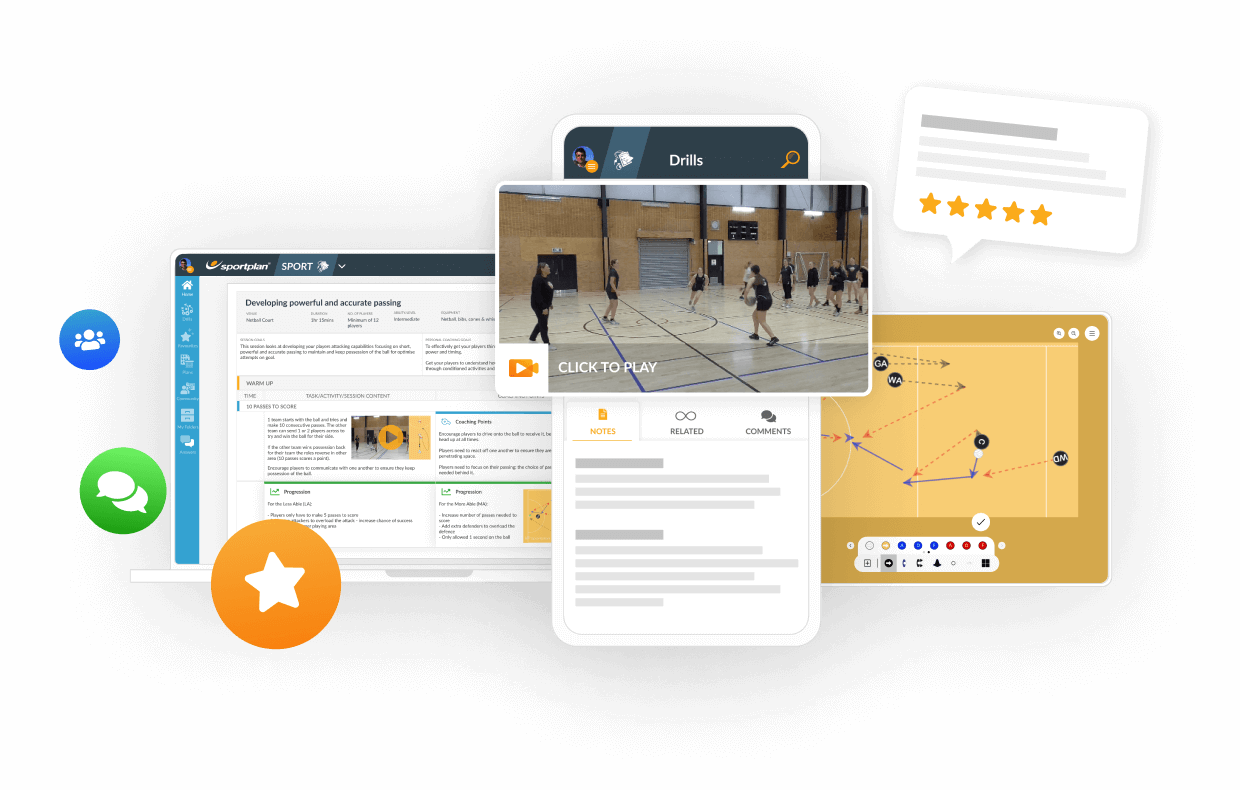
Use our expert plans or build your own using our library of over 700+ drills, and easy-to-use tools.
JOIN NOW