TRANSFORM YOUR TEAM'S SEASON WITH PROFESSIONALLY PLANNED SESSIONS
Use our expert plans or build your own using our library of over 700+ drills, and easy-to-use tools.
JOIN NOWhow to add clipboard to a plan


Hi Sam,
To create a plan from the clipboard, one you have added the all the drills required there is a Save button at the bottom of the clipboard. This will give you the option to 'Save as a Basic Plan' - automatically creating a ready to use session plan. Or you can select 'Use Planner to Edit' where you can use the session planner tool to add in more coaching points and additional notes to the plan.
For more information, please follow the link below to a handy video on how to save drills quickly.
FAQ: How to save from clipboard
The Sportplan Team
Hi Sam,
To create a plan from the clipboard, one you have added the all the drills required there is a Save button at the bottom of the clipboard. This will give you the option to 'Save as a Basic Plan' - automatically creating a ready to use session plan. Or you can select 'Use Planner to Edit' where you can use the session planner tool to add in more coaching points and additional notes to the plan.
For more information, please follow the link below to a handy video on how to save drills quickly.
FAQ: How to save from clipboard
The Sportplan Team
in more ways than one
 sportplan_netball
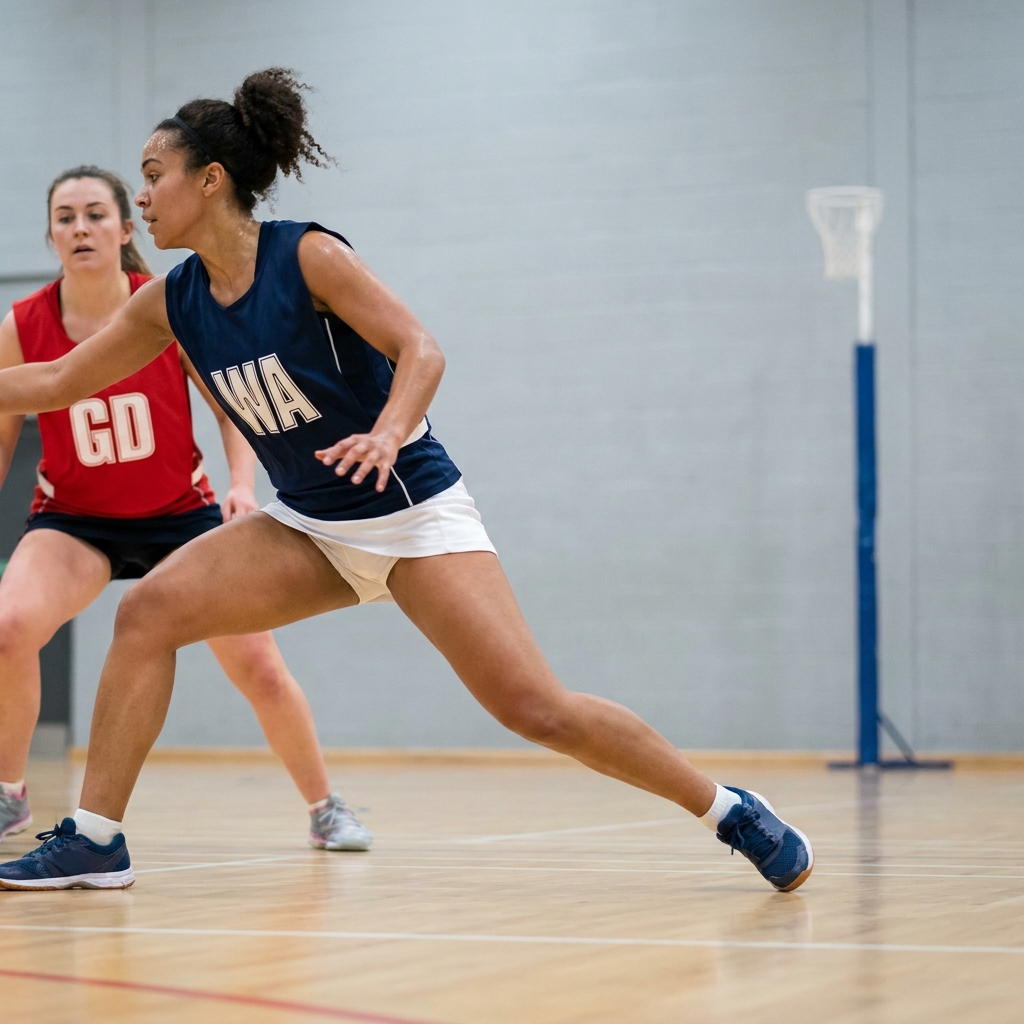
Tight markers win when attackers run in straight lines. Teach your players to dodge, change pace and time their drive so they get free when the ball is ready.
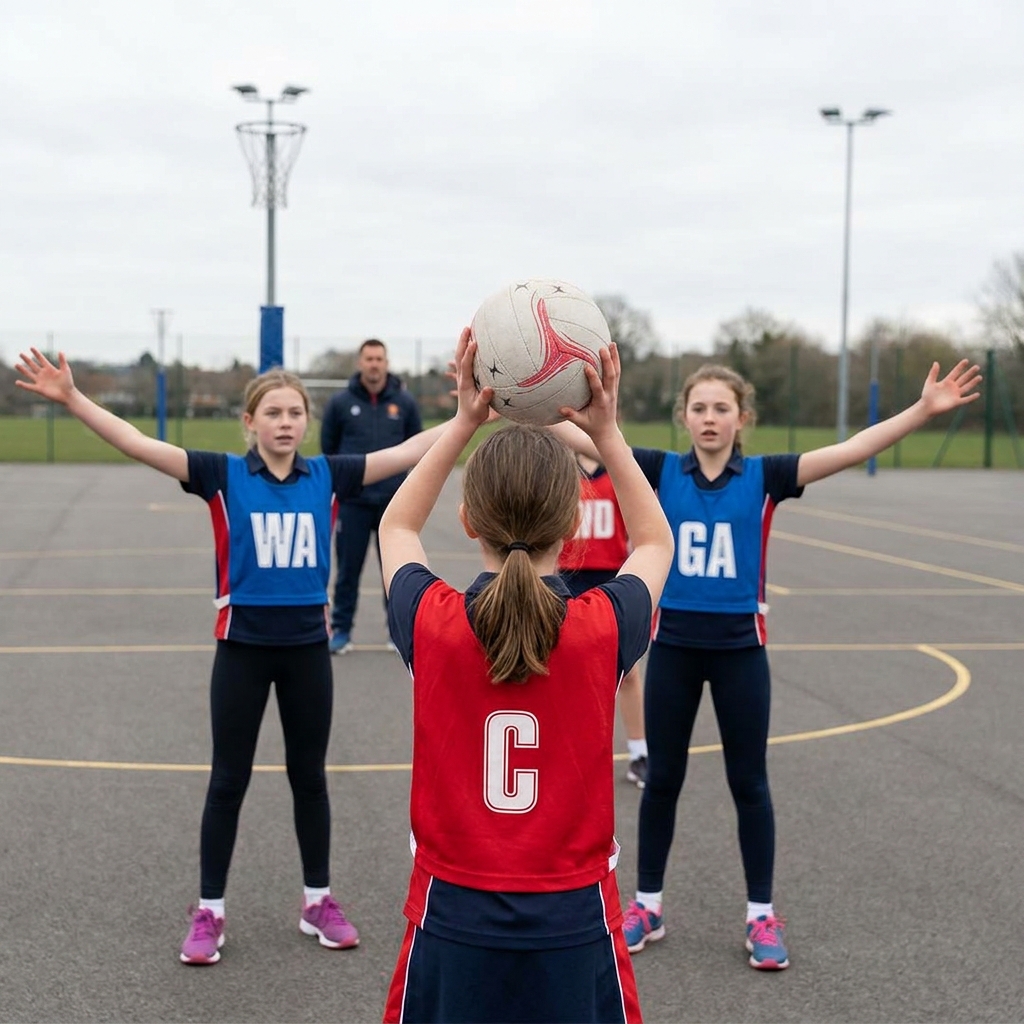
When everyone chases the ball, nobody is free. Teach your team to spread out, offer two options and clear space so the ball moves cleanly down court.
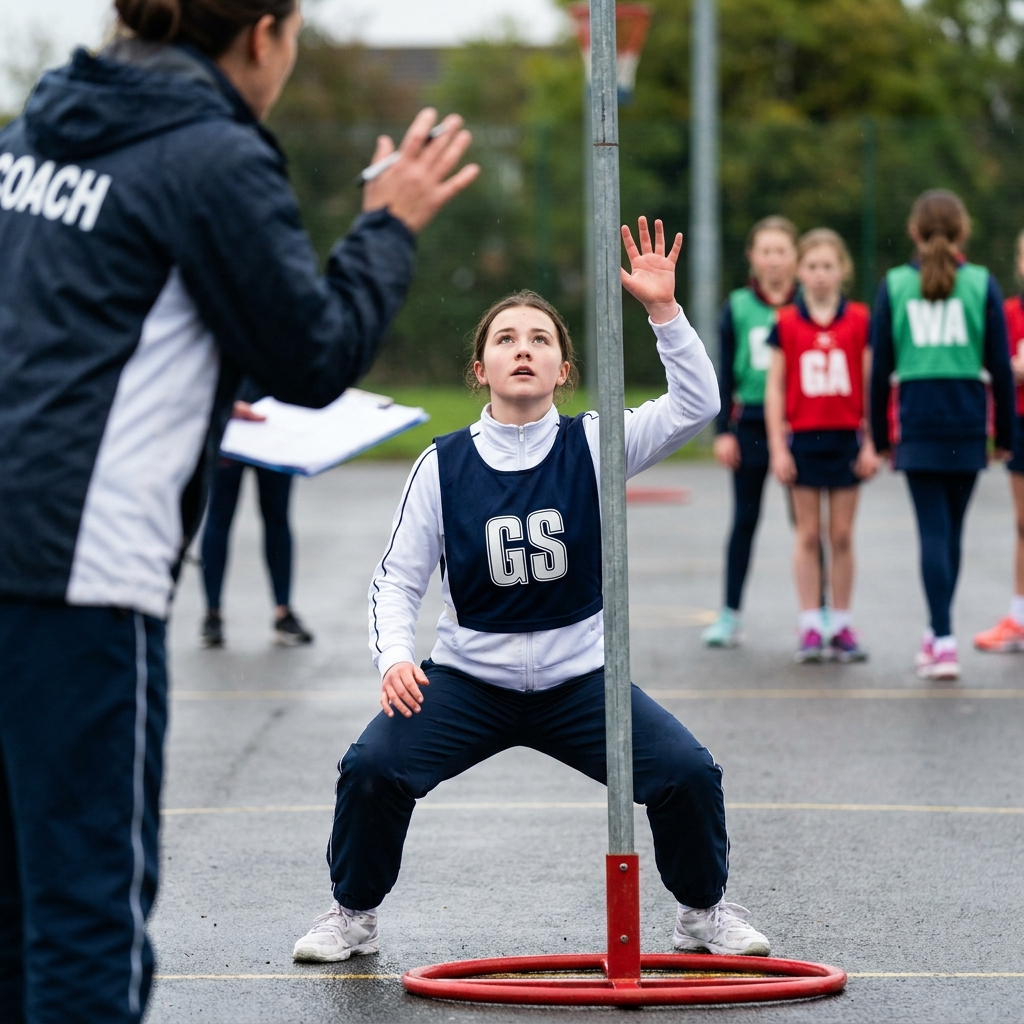
A shooter who can hold a strong position under the post is worth more than one who runs all over the circle. Here is how to coach body shape, a legal hold and a well-timed release, and how feeders make the most of it.
Use our expert plans or build your own using our library of over 700+ drills, and easy-to-use tools.
JOIN NOW