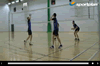
Every volleyball coach has said the same three things a thousand times. Get your platform out. Don't swing your arms. Angle to target. All good advice, and all of it treats a symptom rather than a cause, because a bad platform is nearly always the consequence of arriving in the wrong place at the wrong time.
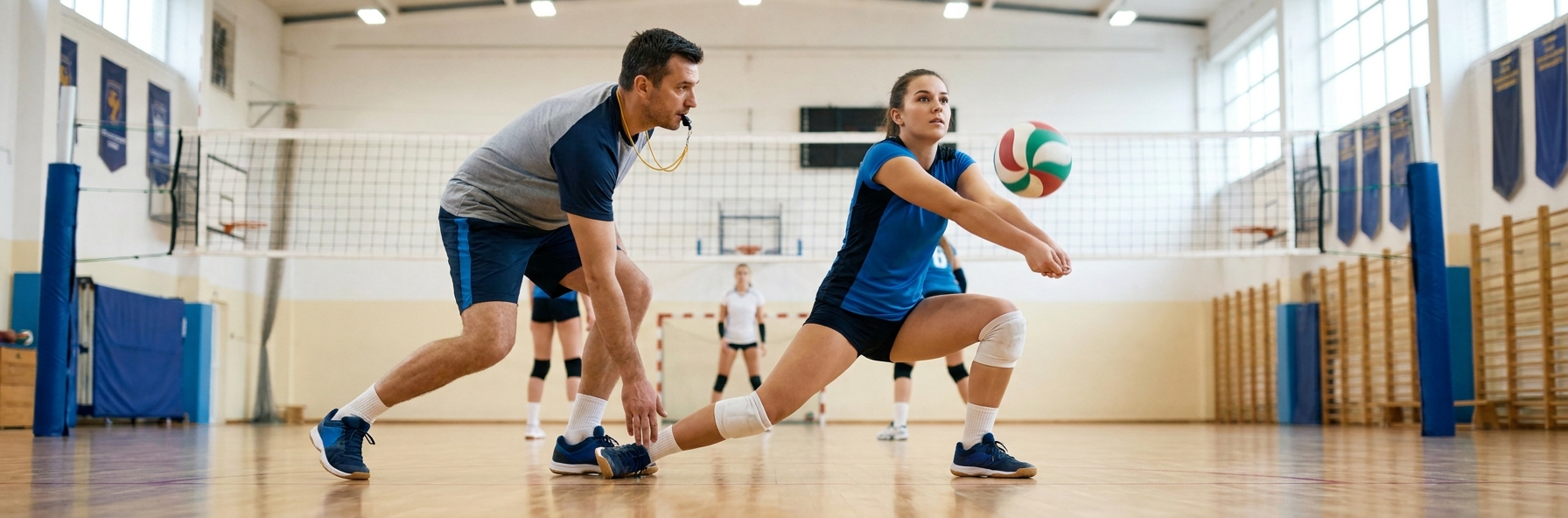
Reception is a movement skill before it is an arm skill. A passer who gets their feet to the ball early has almost no way of passing badly; a passer who arrives late has almost no way of passing well, no matter how good their platform looks in a static drill.
What Late Feet Actually Cause
When a passer arrives late, the ball is already past their optimal contact point, so they reach. Reaching drops one shoulder, which tilts the platform and sends the ball sideways.
Late arrival also forces the arms to swing, because the passer has to generate the movement the feet failed to provide. That swing is what produces the passes that sail over the setter's head.
The third consequence is that the passer is still moving at contact. A ball contacted while the body is travelling picks up that momentum, which is why so many receptions drift towards the antenna.
The Movement Pattern
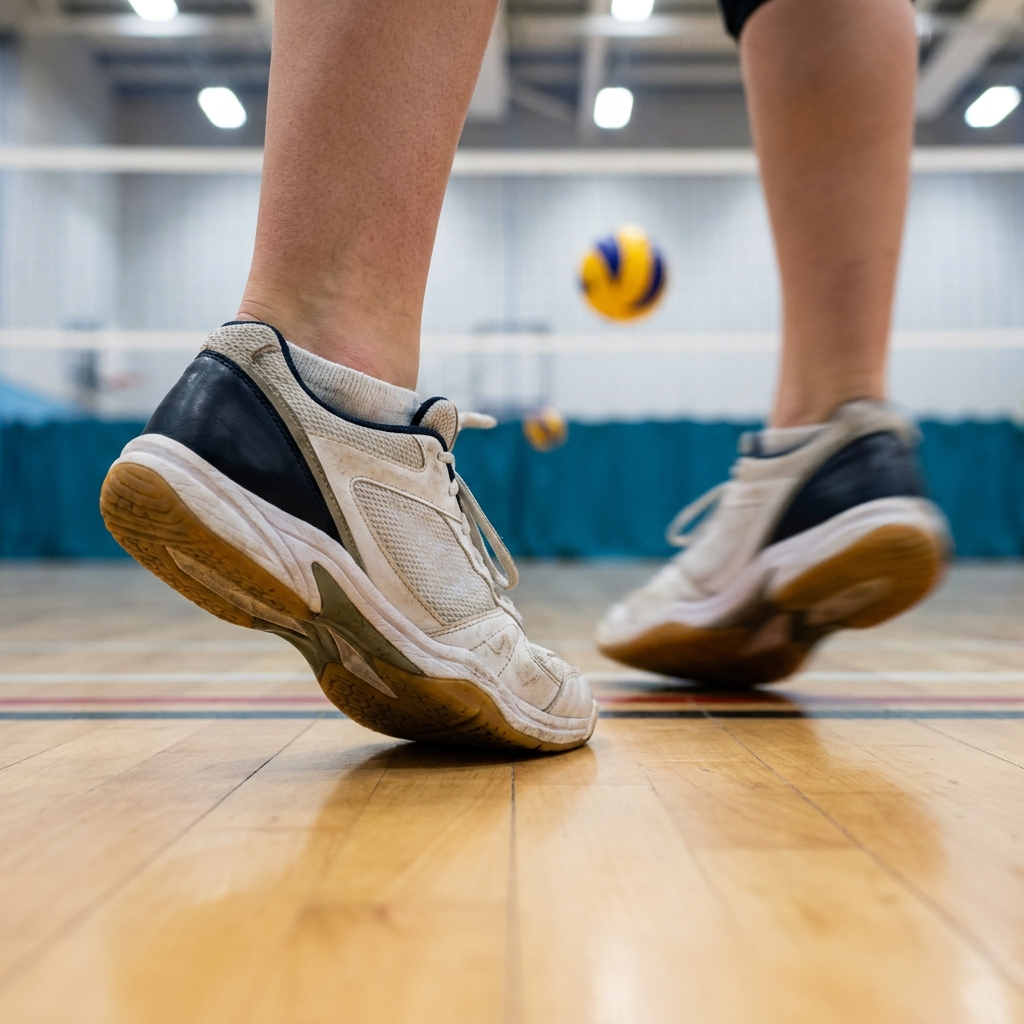
Good reception footwork has a rhythm: read, move, stop, contact. The stop is the part that gets skipped, and it is the part that matters most. The passer should be balanced and still at the moment of contact, with the platform simply held rather than swung.
Movement should be predominantly lateral and forward, with small adjusting steps at the end rather than one large stride. Small steps preserve balance; big steps destroy it.
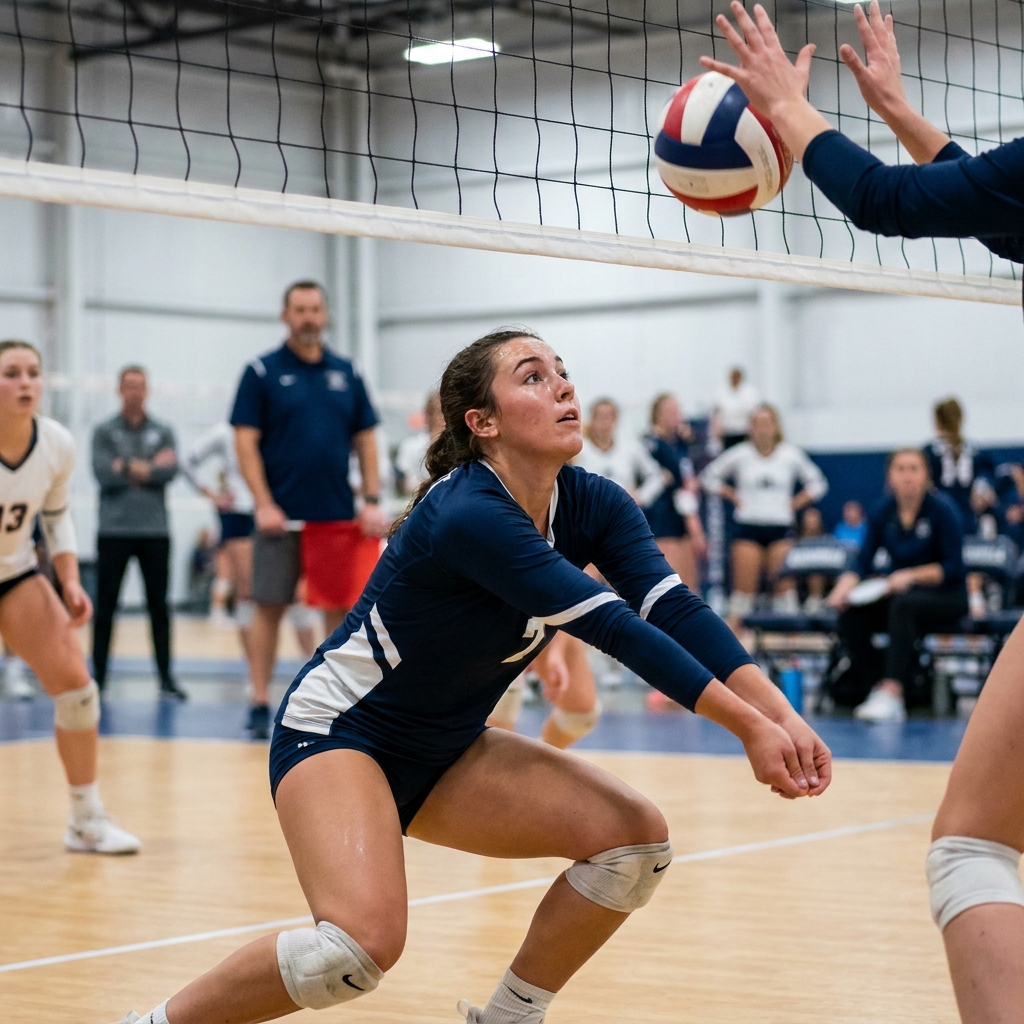
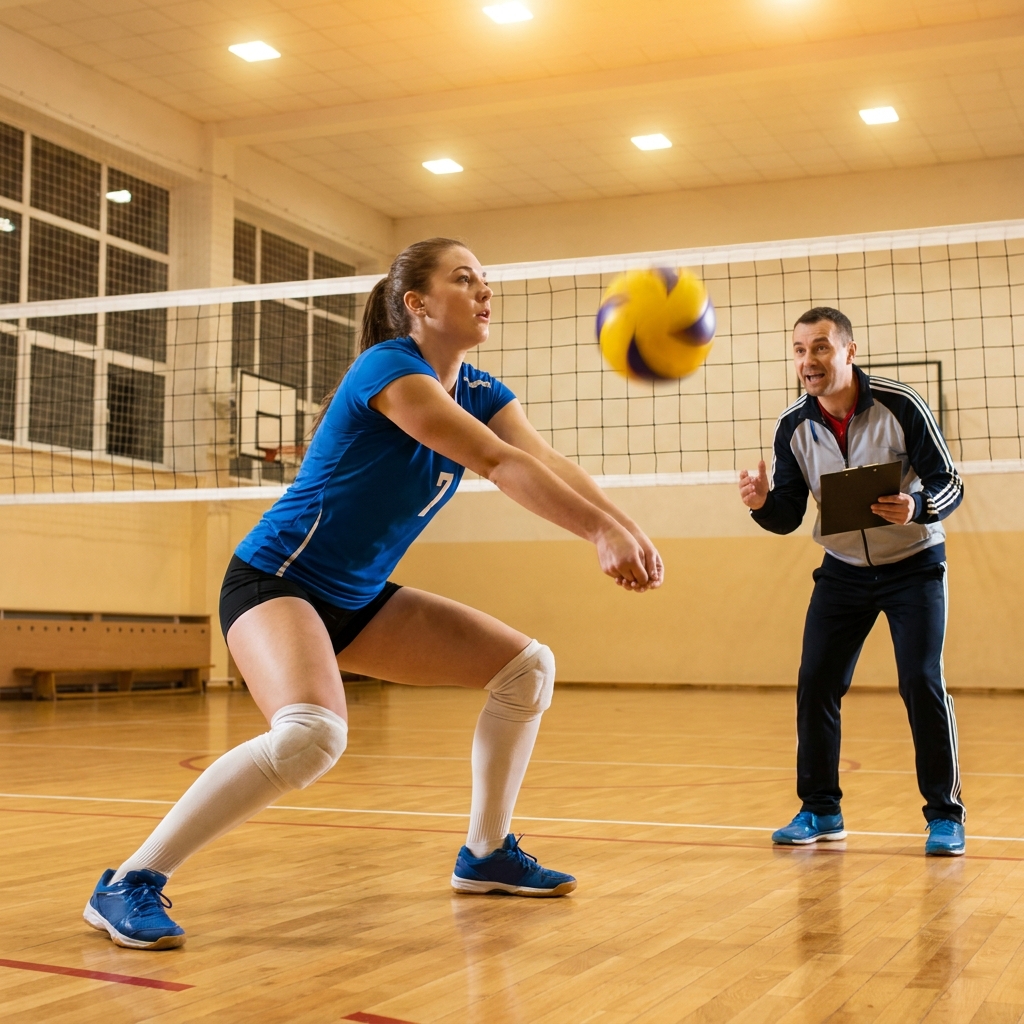
The starting position sets everything up. A passer standing tall with straight legs cannot move quickly in any direction. Weight forward, knees bent, hands apart and ready is not a stylistic preference, it is what makes early movement possible.
Coaching It
Step One: Coach reading before movement. Passers should be watching the server's toss and arm, not waiting for the ball to cross the net. Early information is what allows early feet.
Step Two: Insist on the stop. Make it an explicit rule in drills that players must be stationary at contact, and stop the drill when they are not.
Step Three: Use small adjusting steps at the end of the movement, so the final position is precise rather than approximate.
Step Four: Take the arms out of it. Run drills where the platform is held still throughout and the only variable is the feet. Players quickly discover how much of the pass the feet control.
Step Five: Progress to live serving. Footwork built against tossed balls has to be tested against real serve speed and spin before it counts.
Building It Into Sessions
Reception work belongs at the start of a session, when players are fresh and can concentrate on movement quality. Putting it at the end guarantees sloppy footwork and reinforces the wrong pattern.
Keep the repetitions high and the standard explicit. A target on the floor where the setter wants the ball turns a vague instruction into a measurable one, and players will self-correct their feet to hit it.
Key Coaching Points
- A bad platform is usually a symptom; late feet are usually the cause.
- The rhythm is read, move, stop, contact, and the stop is what most players skip.
- Be stationary and balanced at contact so the body's momentum does not enter the pass.
- Use small adjusting steps at the end of the movement rather than one large stride.
- Read the server's toss and arm rather than waiting for the ball to cross the net.
- Put reception work early in the session while players are fresh enough to move well.
Recommended Drills
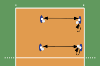
 Controlled Underhand Pass and Receive
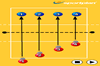
 Consecutive Passes
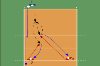
 Dig and Move Position
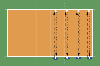
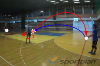 Receive Return and Spin
Frequently Asked Questions
Should passers move to the ball or let it come to them?
Move to it, and get there early enough to stop. Letting the ball come to you works only when it is served straight at you, and it produces the reaching and swinging that ruins passes everywhere else.
How do I fix a passer who swings their arms?
Look at their feet first. Almost every arm swing is compensation for arriving late. If you correct the arms without correcting the movement, the swing comes straight back as soon as the serve is difficult.
What is a realistic passing target for a club team?
Rather than chasing a percentage, use a floor target where your setter wants the ball and count how often the pass is playable from there. It is more useful feedback for players than a statistic, and it makes the standard visible in every repetition.